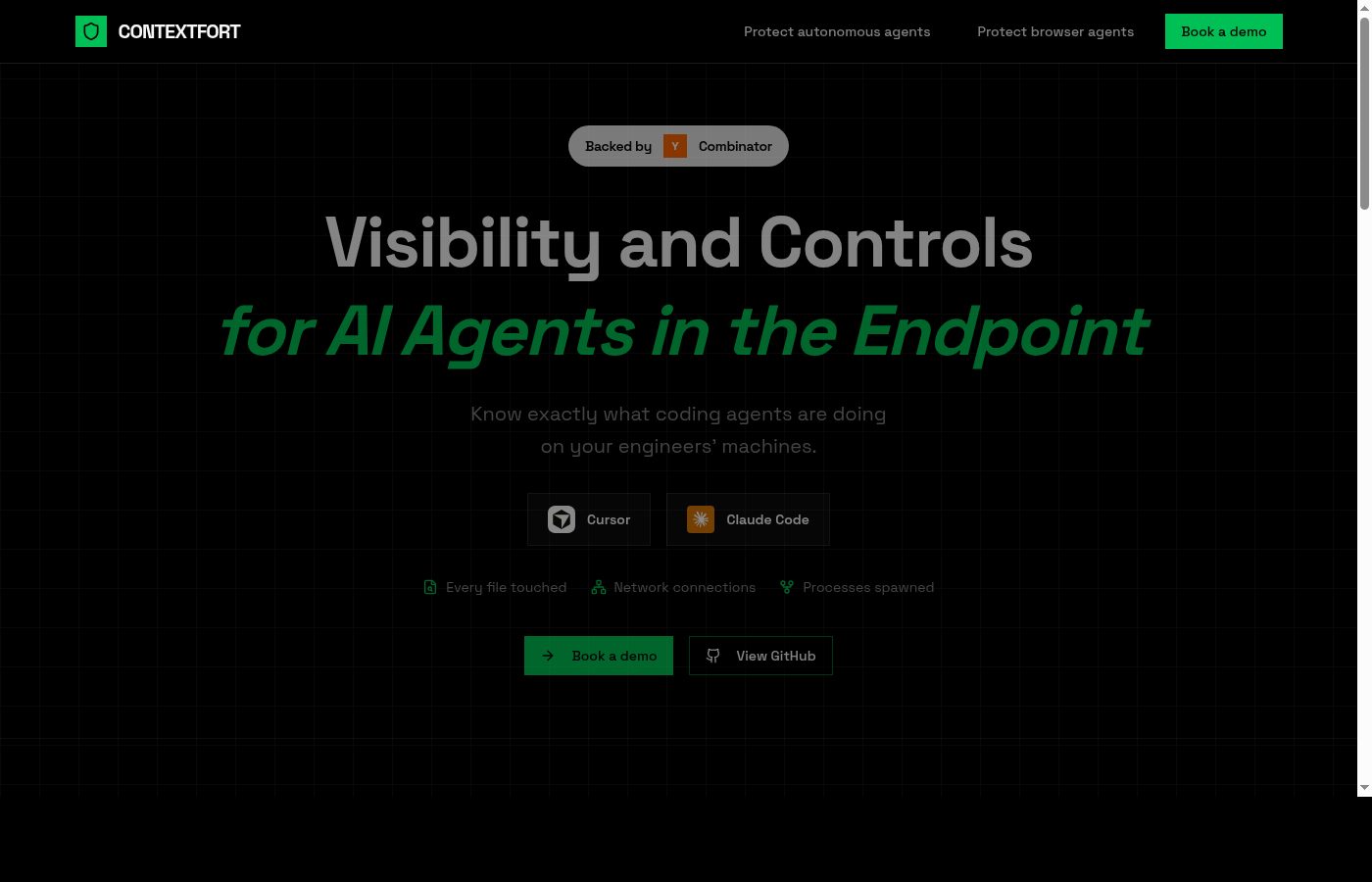
ContextFort is a Tier 2 CRE-native AI software categorized within the Construction and Development sector, functioning primarily as an AI drawing co-pilot for reviewing architectural and structural drawings. Operating on a paid model that requires prospective buyers to complete a demo before receiving a quote, the platform seeks to address the historically manual process of cross-referencing complex plan sets. For commercial real estate developers, general contractors, and owner’s representatives, reviewing drawing sets for constructability, omissions, and clashes has traditionally required hundreds of billable hours per project phase. ContextFort attempts to digitize and accelerate this workflow by applying machine learning specifically trained on construction documents.
As the BestCRE independent rating authority evaluates this tool in Q3 2026, the construction technology landscape is increasingly crowded with point solutions. ContextFort enters a market where peers like Civils.ai and ALICE Technologies have already established strong benchmarks, scoring 94 and 87 respectively in our master database. The core analytical question for a CRE principal is whether ContextFort provides sufficient accuracy in reading structural and architectural schematics to offset the risk of relying on an emerging Tier 2 vendor. Our analysis indicates that while the tool offers a highly specialized interface for document review, its lack of transparent pricing and reliance on demo-gated sales processes require buyers to conduct rigorous pilot testing before committing to enterprise-wide adoption.
What ContextFort does and how it works
ContextFort operates as an AI-assisted drawing co-pilot designed specifically to ingest, index, and analyze architectural and structural drawing sets. Users upload standard PDF plan sets—ranging from schematic design through 100% construction documents—into the platform’s proprietary processing engine. The system utilizes optical character recognition combined with spatial relationship modeling to parse title blocks, callouts, detail references, and general notes. Instead of simply flattening the PDFs, ContextFort maps the relationships between different sheets. When an architect references a specific structural detail on a floor plan, the software automatically creates a hyperlink or a split-screen view, allowing the reviewer to instantly verify the structural engineer’s corresponding detail without manually hunting through a 500-page document set.
Beyond basic navigation, the platform acts as an active reviewer. Users can query the drawing set using natural language prompts. For example, a project manager can ask the co-pilot to identify all sheer wall locations or highlight discrepancies between the architectural reflected ceiling plan and the structural framing plan. The AI scans the indexed vectors and text, returning specific sheet numbers and highlighted crop zones where the requested elements appear. This function is specifically tailored to catch omissions before they become costly requests for information or change orders during the active construction phase.
The interface includes a markup and tracking dashboard where development teams can log the AI-generated findings, assign them to specific consultants, and track resolution across drawing iterations. By maintaining a version history, ContextFort allows analysts to upload a revised plan set and automatically generate a variance report detailing exactly what the design team altered, added, or removed since the previous submission. This automated slip-sheeting capability aims to reduce the administrative burden on development associates who typically perform these comparisons manually.
9AI Framework: the score, dimension by dimension
CRE Relevance: 9/10
ContextFort earns a high score for its strict focus on commercial real estate construction and development. Unlike general-purpose document readers, this platform is explicitly trained on the unique nomenclature, symbology, and spatial logic of architectural and structural drawings. The system understands the difference between a structural grid line and a partition wall, recognizing standard industry abbreviations and detail callouts. This CRE-native classification ensures that development associates and project managers do not have to spend time teaching the AI basic construction terminology. The tool addresses a specific, high-friction workflow—plan review—that directly impacts project timelines and hard costs. In practice: Development teams can immediately deploy the software on active projects because the foundational AI models already comprehend standard construction documentation standards.
Data Quality and Sources: 8/10
The platform relies entirely on the quality of the PDF drawing sets uploaded by the user, making its internal data quality highly contingent on external inputs. However, ContextFort’s processing engine demonstrates strong capability in handling standard vector-based PDFs generated directly from Revit or AutoCAD. It accurately extracts text, recognizes line weights, and categorizes sheet types based on standard naming conventions. Performance degrades slightly when processing scanned, rasterized PDFs from older legacy projects, where the optical character recognition struggles with handwritten notes or faded architectural stamps. Assuming standard digital workflows, the structural and architectural data indexed by the system remains highly reliable for querying. In practice: Users will achieve optimal results by mandating that their design consultants submit clean, vector-based PDF files rather than flattened image exports.
Ease of Adoption: 7/10
Implementing ContextFort requires minimal technical infrastructure, as it operates entirely via a web-based interface. The primary hurdle for new users is adjusting their traditional workflow from manual PDF scrolling to query-based navigation. Uploading a massive, multi-gigabyte drawing set takes time, and the initial AI indexing process can require several hours before the co-pilot is fully functional. Once indexed, the user interface is relatively intuitive, mirroring familiar PDF viewing software but with an added conversational sidebar. Training a development associate to use the natural language query system effectively takes a few days of trial and error to understand which prompts yield the most accurate sheet references. In practice: Teams should expect a brief learning curve as staff transition from visual scanning to prompt-based document investigation.
Output Accuracy: 8/10
When functioning as an AI drawing co-pilot, ContextFort delivers high accuracy in basic cross-referencing and detail matching. If an architectural plan calls out a specific structural detail, the AI rarely fails to locate the corresponding sheet. However, when tasked with complex clash detection—such as identifying where structural beams conflict with architectural ceiling heights—the output requires human verification. The system is highly effective at flagging potential discrepancies, but it occasionally generates false positives due to overlapping line work or unconventional drafting techniques by specific engineering firms. It is best viewed as an aggressive assistant that highlights areas of concern rather than a definitive authority on constructability. In practice: Project managers must still review the AI’s flagged discrepancies to filter out false positives before issuing formal comments to the design team.
Integration and Workflow Fit: 6/10
As a Tier 2 solution, ContextFort currently operates largely as a standalone platform rather than a deeply embedded component of the broader CRE tech stack. While users can export variance reports and markup summaries as standard CSV or PDF files, direct API connections to major project management systems like Procore or Autodesk Construction Cloud are limited. This forces a dual-entry scenario where a team might discover a drawing error in ContextFort but must manually create the corresponding Request for Information within their primary construction management software. The lack of bidirectional data flow restricts its utility for teams demanding a highly synchronized digital environment. In practice: Development teams will need to establish manual protocols for transferring the insights generated by the drawing co-pilot into their official project management systems.
Pricing Transparency: 4/10
ContextFort operates on a strict Paid/Demo model, meaning the vendor does not publish its pricing tiers, user limits, or data storage costs publicly. For commercial real estate buyers, this lack of transparency complicates the initial software evaluation phase. A principal cannot quickly determine if the platform is priced per user, per project, or based on the total gigabytes of drawings processed. This opacity forces analysts to engage with the sales team and complete a demonstration simply to acquire baseline budget figures. Consequently, the tool cannot exceed a score of 5 in this dimension according to the BestCRE rating framework. In practice: Procurement teams must allocate time for direct sales negotiations and should demand clear definitions of any overage fees tied to drawing upload volumes.
Support and Reliability: 6/10
As a Tier 2 startup in the construction technology space, ContextFort provides adequate but unproven long-term support infrastructure. The company offers standard email ticketing and an assigned customer success manager for enterprise accounts, but it lacks the 24/7 global support network found in more established Tier 1 vendors. Response times during standard North American business hours are generally acceptable, though complex technical issues regarding failed drawing uploads often require escalation to the engineering team. Because the company is still scaling, buyers should anticipate occasional delays in resolving highly specific software bugs. The BestCRE framework caps unproven startups at a score of 6 for this dimension to reflect the inherent operational risk. In practice: Buyers should negotiate guaranteed service level agreements and dedicated training hours into their initial enterprise contracts.
Innovation and Roadmap: 7/10
The development trajectory for ContextFort indicates a strong focus on expanding its AI capabilities beyond architectural and structural drawings to encompass mechanical, electrical, and plumbing schematics. The current roadmap suggests upcoming features will include automated quantity take-offs based on the indexed vector data, which would significantly increase the platform’s value for general contractors. The engineering team pushes minor updates frequently, improving the natural language processing model’s ability to understand complex, multi-variable queries. However, because the company is a Tier 2 provider, the delivery timelines for these major feature expansions remain speculative. The focus on deepening the co-pilot’s domain expertise is promising. In practice: Current buyers should base their purchasing decisions strictly on the existing drawing review capabilities rather than promised future features like automated estimating.
Market Reputation: 6/10
ContextFort is building a specialized reputation among mid-sized commercial developers and regional general contractors who find enterprise solutions overly complex. However, as a relatively new entrant classified as Tier 2, it lacks the widespread industry validation enjoyed by peers like OpenSpace or ALICE Technologies. Early adopters report high satisfaction with the core drawing navigation features, but the user base remains too small to generate the volume of independent case studies required for a higher reputation score. The company is currently viewed as a promising niche tool rather than an industry standard. Under the BestCRE framework, an unproven startup cannot exceed a score of 6 in this category. In practice: Evaluating firms should request reference calls with current clients who have successfully utilized the platform on projects of similar scale and complexity.
Who should use ContextFort
ContextFort delivers the highest return on investment for teams burdened by heavy document review phases during pre-construction and active development.
- Mid-Market Developers: Firms managing multiple ground-up projects that lack massive in-house architectural review teams can use the AI to catch basic design omissions early.
- Owner’s Representatives: Consultants tasked with auditing design progress and constructability will find the automated cross-referencing and variance reporting highly efficient.
- Pre-Construction Managers: General contractor estimating teams that need to quickly understand structural complexities and verify architectural details before finalizing bids.
- Development Analysts: Junior staff members who are typically assigned the tedious task of slip-sheeting and comparing new drawing sets against previous iterations.
Who should look elsewhere
Certain commercial real estate profiles will find the platform either excessive for their needs or insufficiently integrated into their workflows.
- Value-Add Investors: Firms focused on light cosmetic renovations or simple tenant improvements do not generate the complex structural drawing sets required to justify this software.
- Enterprise General Contractors: Massive construction firms requiring deep, bidirectional API integrations with established project management software will find the standalone nature of this tool limiting.
- Property Managers: Teams focused on operational asset management have no use for a construction drawing co-pilot, as their document needs center on leases and maintenance logs.
Pricing and ROI
ContextFort does not publish its pricing publicly, operating entirely on a Paid/Demo model. Prospective buyers are required to engage with the sales team and complete a platform demonstration before receiving a customized quote. Based on our analysis of similar Tier 2 construction technology vendors, pricing in this category is typically structured either as an annual enterprise license based on total user headcount or as a project-based fee tied to the total construction value or drawing volume. Because specific costs are not published, calculating precise return on investment requires firms to input their own baseline metrics during the evaluation phase. The ROI math centers on labor hours saved during the design review and pre-construction phases. If a development associate earning $60 per hour typically spends 40 hours manually cross-referencing a 100% construction document set for structural clashes and detail omissions, the baseline cost is $2,400 per review cycle. If ContextFort reduces this review time by 50%, the firm saves $1,200 per iteration. Multiplied across several design phases (Schematic Design, Design Development, Construction Documents) and multiple active developments, the labor savings can quickly offset a standard software subscription. Furthermore, the hard ROI is realized if the AI co-pilot catches a single structural omission that would have resulted in a $15,000 change order during active construction.
Integration and CRE tech stack fit
Assessing ContextFort’s fit within a standard commercial real estate technology stack reveals the limitations typical of a Tier 2 standalone application. Currently, the platform operates as an isolated environment for document review rather than a deeply connected node in a broader digital ecosystem. While users can easily export their findings, variance reports, and markup logs as standard PDF or CSV files, the software lacks native, bidirectional API integrations with dominant construction management platforms like Procore, Autodesk Construction Cloud, or CMiC. For a CRE principal, this means the AI drawing co-pilot will sit adjacent to the primary tech stack rather than inside it. When the AI identifies a clash between an architectural floor plan and a structural detail, the project engineer must manually transpose that finding into their official project management software to issue a formal Request for Information to the architect. Development teams must be prepared to build internal standard operating procedures that dictate exactly how and when data is moved from ContextFort into their system of record to maintain a single source of truth for project documentation.
Competitive landscape
The market for AI-assisted construction technology is highly competitive, and ContextFort faces pressure from both established Tier 1 platforms and specialized peers. Civils.ai, which scored a 94 in the BestCRE database, represents a formidable alternative. While Civils.ai leans heavily into geotechnical and civil engineering data, its broader capability to parse complex engineering documents makes it a strong contender for heavy infrastructure developers. ALICE Technologies, scoring an 87, approaches construction from a different angle; rather than focusing strictly on drawing review, ALICE uses AI for complex schedule optimization and optioneering. Firms looking for a tool that directly impacts the construction timeline might prioritize ALICE over a pure document co-pilot. Other peers like Attentive.ai (88) and LandScout AI (87) focus more heavily on site planning, automated takeoffs, and early-stage land assessment rather than deep structural drawing cross-referencing. For visual documentation, OpenSpace (86) remains the standard for 360-degree site capture, though it serves the active construction phase rather than the pre-construction drawing review phase. ContextFort differentiates itself by remaining hyper-focused on the architectural and structural plan review workflow. Buyers must decide whether they want a specialized point solution like ContextFort for document parsing, or if they prefer to invest in broader platforms that handle scheduling, site capture, or estimating, accepting that those broader tools might lack the specific, conversational drawing co-pilot features.
The bottom line
ContextFort is a highly specialized, capable tool for commercial real estate developers and contractors drowning in complex architectural and structural PDFs. It succeeds in its primary mission: digitizing the tedious process of cross-referencing plan sets and accelerating the identification of design omissions. However, its status as a Tier 2 provider with unpublished pricing and limited API integrations means it is not a mandatory enterprise acquisition for every firm. CRE principals should authorize a pilot program if their teams consistently lose billable hours to manual drawing reviews or frequently encounter costly change orders due to structural clashes missed during pre-construction. If your firm already utilizes a comprehensive construction management suite and demands fluid bidirectional data flow, ContextFort will feel disconnected. Proceed with a targeted trial on a single mid-sized ground-up development to validate the AI’s accuracy against your specific design consultants’ drafting standards before committing to a portfolio-wide rollout.
Frequently asked questions
Does ContextFort integrate directly with Procore?
No, ContextFort currently lacks a native, bidirectional API integration with Procore. Users must manually export their markup logs, variance reports, and identified drawing clashes as PDF or CSV files, and then manually upload or enter that data into Procore to issue formal Requests for Information.
How much does ContextFort cost for a development team?
The vendor does not publish its pricing publicly. ContextFort operates on a Paid/Demo model, requiring prospective buyers to complete a sales demonstration to receive a customized quote. Pricing is typically structured around enterprise user licenses or project-based volume metrics, but exact figures are not disclosed.
Can the AI co-pilot read scanned, hand-drawn architectural blueprints?
While the optical character recognition can process scanned documents, performance and accuracy degrade significantly on rasterized or hand-drawn blueprints. ContextFort is optimized for clean, vector-based PDF plan sets exported directly from modern drafting software like Revit or AutoCAD to ensure accurate spatial modeling.
Does ContextFort automatically fix errors in structural drawings?
No, the software functions strictly as a review and identification tool. It highlights potential clashes, omissions, and discrepancies between architectural and structural sheets using natural language queries, but it does not alter the underlying design files or automatically correct engineering mistakes.
Is ContextFort suitable for property management or leasing teams?
No, this platform is explicitly designed for the construction and development phases of commercial real estate. Property managers and leasing agents dealing with standard lease agreements, tenant communications, or basic floor plans will not find value in a structural drawing co-pilot.
How does the variance reporting feature work?
Users upload a revised plan set, and the system automatically compares it against the previously indexed version. The AI generates a slip-sheet report detailing exactly what the design team added, removed, or altered, eliminating the need for development associates to perform manual visual comparisons.