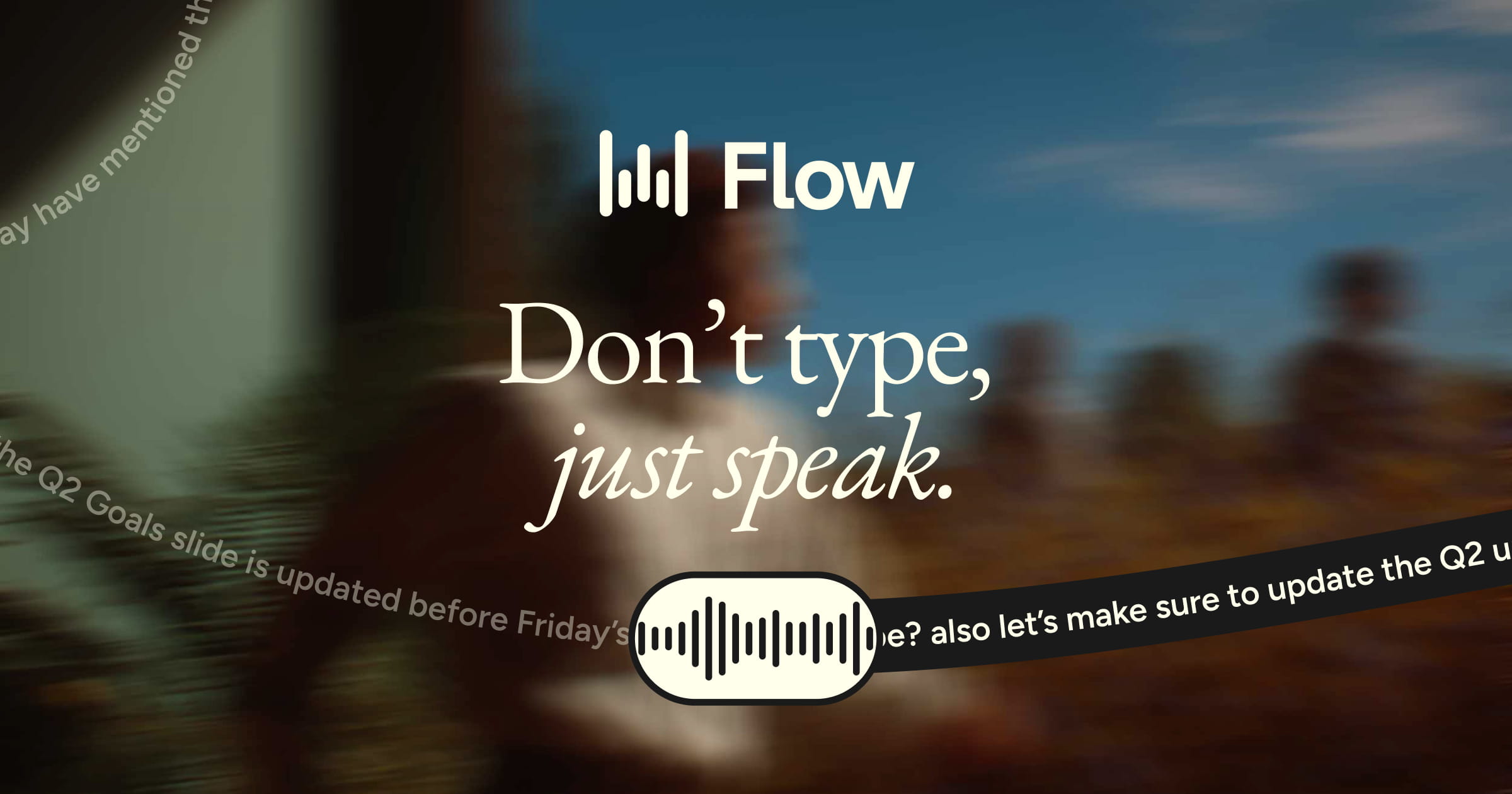
Wispr Flow is a system-level AI dictation application that converts natural speech into formatted text across macOS, Windows, iOS, and Android, backed by $81 million in venture funding to build a broader voice operating system. Unlike standard speech-to-text utilities built into desktop operating systems, Wispr Flow acts as an intelligent intermediary. It captures raw audio, processes it through cloud-based large language models, and outputs contextually corrected text directly into whatever application the user has in focus. For commercial real estate professionals, this means the tool functions identically whether drafting an email in Outlook, entering property data into Excel, or writing a prompt in ChatGPT.
The commercial real estate industry remains heavily reliant on narrative generation, from investment committee memos to tenant communications. Traditional dictation software has historically failed in this arena due to its inability to handle industry-specific jargon, mid-sentence corrections, and the natural filler words that occur during complex thought processes. Wispr Flow addresses these friction points by applying generative AI to the transcription process itself. It automatically strips out hesitations, formats bulleted lists based on vocal cues, and allows users to build custom dictionaries for property names or financial acronyms. While it lacks native real estate data, its utility as a horizontal productivity layer makes it a compelling addition to the analyst and executive toolkit.
What Wispr Flow does and how it works
At its core, Wispr Flow operates as a background service on your device, activated via a customizable push-to-talk keyboard shortcut (such as holding the Option or Control key). Once triggered, a floating overlay indicates that the microphone is active. As the user speaks, the software records the audio and sends it to cloud servers for processing. The system achieves a latency of approximately 500 milliseconds, meaning the text appears in the active text field almost immediately after the user stops speaking. This system-level integration ensures that Wispr Flow works in any application that accepts text input, bypassing the need for complex software integrations or API keys.
The primary mechanical advantage of Wispr Flow lies in its automatic editing capabilities. When a user stumbles, uses filler words like “um” or “uh,” or changes their mind mid-sentence (e.g. “The cap rate is five, no, actually six percent”), the AI engine interprets the intent rather than transcribing the literal audio. The resulting output in the document is simply “The cap rate is 6%.” Furthermore, the software includes a custom dictionary feature. Users can manually add specific company names, local market terminology, or unique architectural terms, ensuring the AI spells them correctly in future dictations.
Additionally, Wispr Flow supports custom snippets and prompt transformations. A user can configure a snippet so that saying “insert weekly update” automatically types out a pre-formatted text template. For those utilizing AI assistants like Claude or ChatGPT, the software can take a brief, messy vocal instruction and expand it into a highly detailed, structured prompt before submitting it to the chatbot. This transforms the tool from a simple transcription utility into a command interface for other software.
9AI Framework: the score, dimension by dimension
CRE Relevance: 5/10
Wispr Flow is a horizontal productivity application designed for general knowledge workers, meaning it contains zero proprietary commercial real estate data, property records, or financial modeling templates. Its utility in the industry is strictly functional, serving as an accelerator for tasks that require heavy text input. While it will not underwrite a property or generate a rent roll, it drastically reduces the time required to draft investment memos, respond to broker emails, or input site tour notes. Because it lacks industry-specific training out of the box, users must invest time in configuring the custom dictionary to recognize specific real estate terminology. In practice: A general-purpose tool with no CRE data cannot exceed 5 on this dimension, but it remains highly useful for daily administrative tasks.
Data Quality and Sources: 8/10
The transcription accuracy of Wispr Flow is exceptionally high, driven by its reliance on advanced cloud-based language models rather than local, device-level processing. It successfully navigates heavy accents, background noise, and complex sentence structures that typically confuse legacy dictation software. The AI’s ability to infer context means that homophones are rarely confused, and punctuation is applied logically without the user needing to speak commands like “comma” or “period.” However, because the system processes audio in the cloud, the quality of the output is entirely dependent on a stable internet connection; offline functionality is currently non-existent. In practice: The text output requires minimal manual editing, provided the user has a reliable broadband connection.
Ease of Adoption: 9/10
Deploying Wispr Flow requires minimal technical expertise. Users simply download the application, grant microphone and accessibility permissions at the operating system level, and select a preferred keyboard shortcut. There are no complex integrations to configure, and the software immediately functions across the entire desktop environment. The learning curve is primarily behavioral rather than technical; users must train themselves to hold a key while speaking and trust the AI to clean up their verbal mistakes. The inclusion of a mobile application for iOS and Android further extends this ease of use to field scenarios. In practice: Most users will achieve full proficiency within their first hour of active use.
Output Accuracy: 9/10
Wispr Flow excels at transforming messy, unstructured speech into polished, professional text. The automatic removal of filler words and the intelligent handling of mid-sentence corrections represent a significant mechanical upgrade over standard dictation tools. The software consistently formats numbers, dates, and percentages correctly, which is critical for real estate professionals discussing financial metrics. The custom dictionary ensures that specific street names, developer acronyms, and zoning codes are transcribed accurately after initial setup. The only occasional failures occur when the user speaks too quickly through highly technical, multi-layered instructions without pausing. In practice: The tool delivers final-draft quality text that rarely requires keyboard intervention.
Integration and Workflow Fit: 10/10
Because Wispr Flow operates at the operating system level, its integration fit is effectively universal. It does not require plugins, extensions, or API connections to function within specific commercial real estate platforms. Whether a user is typing into Yardi, Salesforce, Microsoft Excel, or a proprietary internal database, the software treats every text field identically. This agnostic approach eliminates the integration headaches typically associated with adopting new enterprise software. The tool also includes specific features for developers, such as file tagging for coding environments like Cursor, though this is less relevant for standard real estate workflows. In practice: If an application accepts keyboard input, it will accept Wispr Flow dictation.
Pricing Transparency: 9/10
As of Q3 2026, the vendor maintains clear, publicly accessible pricing tiers on its website, avoiding the opaque “contact sales” model common in enterprise software. The free tier offers a generous trial of the core technology, though it is capped at approximately 2,000 words per week on desktop. The Pro plan is straightforwardly priced at $15 per month, or $144 annually (an effective $12 per month), which removes all word limits and unlocks advanced features like command mode and prioritized support. Enterprise pricing for team deployment requires a sales conversation, but the individual costs are explicit. In practice: Buyers can accurately model the annual cost of deployment for their teams without hidden fees.
Support and Reliability: 6/10
As an early-stage startup, Wispr Flow carries inherent vendor risk, despite having secured $81 million in venture capital funding. The platform relies entirely on cloud processing, meaning any server outages or local internet disruptions render the tool completely inoperable. While the background application is lightweight and rarely crashes, the absolute dependence on external language models introduces a point of failure outside the user’s control. Customer support for individual users is primarily handled through self-service documentation and community forums, with prioritized email support reserved for paying Pro users. In practice: An unproven startup cannot exceed 6 on this dimension, and buyers must accept the reality of cloud dependency.
Innovation and Roadmap: 9/10
The company has articulated an aggressive vision to evolve beyond simple transcription into a comprehensive “Voice OS.” Recent updates demonstrate rapid feature deployment, including the rollout of prompt transformations, shared team dictionaries, and syntax awareness for coding. The roadmap indicates a strong focus on building deeper contextual awareness, allowing the AI to understand not just what is being said, but the specific application and document it is being dictated into. While some planned features cater heavily to software developers, the underlying improvements to latency and contextual accuracy directly benefit all users. In practice: The development pace is rapid, suggesting the tool will continuously improve its core editing capabilities.
Market Reputation: 6/10
Wispr Flow has rapidly accumulated a highly vocal and positive user base, particularly among productivity enthusiasts, software developers, and early adopters of AI tools. Reviews consistently highlight the software’s superiority over native Apple or Windows dictation, praising its speed and intelligent formatting. However, it has not yet achieved widespread institutional penetration within the commercial real estate sector. It remains a tool adopted by individual high-performers rather than a mandated enterprise solution. The company’s significant funding provides credibility, but it has yet to prove its long-term viability in a market dominated by massive tech incumbents. In practice: An unproven startup cannot exceed 6 on this dimension, despite strong early momentum.
Who should use Wispr Flow
Wispr Flow is highly effective for professionals who generate significant volumes of text or need to capture complex thoughts quickly.
Investment Analysts: For rapidly drafting investment committee memos, summarizing site tours, or writing complex prompts for AI financial models.
Managing Directors: For clearing email backlogs during commutes or between meetings using the mobile application.
Property Managers: For dictating detailed maintenance logs, tenant communications, or incident reports directly into property management systems.
Brokers: For instantly logging CRM updates, call notes, and follow-up emails immediately after client interactions.
Who should look elsewhere
This tool is not suitable for every workflow or environment, particularly those with strict data governance or offline requirements.
Offline Workers: Users who frequently work on airplanes or in basements without reliable internet, as the tool requires a constant cloud connection.
Highly Regulated Institutions: Firms with strict compliance mandates prohibiting the transmission of internal data to third-party cloud language models.
Data Entry Clerks: Professionals whose primary job involves navigating complex spreadsheets with hotkeys rather than generating narrative text.
Pricing and ROI
Wispr Flow publishes transparent pricing directly on its website. The software operates on a freemium model, offering a Basic tier at $0 per month. This free version includes the core AI dictation engine, custom dictionaries, and privacy mode, but imposes a strict usage cap of approximately 2,000 words per week on desktop (and 1,000 words on iOS).
For heavy users, the Pro plan costs $15 per user per month, or $144 when billed annually (a 20% discount equaling $12 per month). The Pro tier removes all word limits and provides access to advanced features like command mode and prioritized support. Custom Enterprise pricing is available for team deployments requiring centralized billing and shared dictionaries.
The ROI math for a commercial real estate firm is straightforward. Assuming a fully burdened cost of $100 per hour for an analyst, the $144 annual cost is recovered if the software saves just 90 minutes of typing time over the course of an entire year. Given that users typically dictate three to four times faster than they type, heavy emailers or memo writers will likely recoup the annual subscription cost within the first two weeks of use.
Integration and CRE tech stack fit
Wispr Flow’s approach to integration is fundamentally different from traditional commercial real estate software. Because it operates as a system-level background service, it does not require direct API connections to your existing tech stack. It functions as a universal input method.
In a typical CRE environment, Wispr Flow works flawlessly inside Microsoft 365 (Word, Excel, Outlook), Google Workspace, and communication platforms like Slack or Microsoft Teams. More importantly, it integrates perfectly with industry-specific platforms like Yardi, RealPage, VTS, or Dealpath. If you can click into a text box in your browser or desktop application, you can dictate into it using Wispr Flow.
The tool also serves as a critical bridge for adopting other AI technologies. By allowing users to quickly dictate long, highly detailed prompts into tools like ChatGPT, Claude, or specialized CRE AI copilots, it dramatically improves the quality of the outputs those tools generate. The lack of offline capability is the only significant integration hurdle for mobile professionals.
Competitive landscape
The market for AI-enhanced dictation is expanding rapidly, offering several real alternatives to Wispr Flow.
Native OS Dictation (Apple/Windows): The default voice-to-text features built into macOS and Windows 11 are free and operate entirely offline, ensuring maximum privacy. However, they lack the generative AI layer that removes filler words, handles mid-sentence corrections, or formats text intelligently, making them far more frustrating for drafting professional documents.
SuperWhisper: A direct competitor that runs locally on macOS. SuperWhisper uses offline AI models to provide high-quality transcription without sending data to the cloud. This makes it the superior choice for institutional users with strict data privacy requirements or those who work offline, though it requires a more powerful computer to run effectively.
Granola / Otter.ai: While Wispr Flow is designed for active dictation (speaking directly to the computer to type), tools like Granola and Otter are designed for passive recording (transcribing meetings between multiple people). They solve different problems; Wispr Flow replaces the keyboard, while Granola replaces the notepad.
Cursor / Replit: For technical users, AI coding environments like Cursor (Scored 90) or Replit (Scored 88) are beginning to integrate voice commands directly into their platforms. However, Wispr Flow remains necessary for applying voice-to-text across the rest of the non-coding workflow.
The bottom line
Wispr Flow is an exceptional utility that solves a universal problem: the bottleneck between human thought and keyboard input. By applying generative AI to clean up natural, messy speech in real-time, it transforms dictation from a frustrating gimmick into a genuine productivity multiplier. While it lacks any proprietary commercial real estate functionality, its ability to accelerate email drafting, memo writing, and AI prompting makes it highly valuable for almost any CRE professional. The strict reliance on a cloud connection and the inherent risks of an early-stage startup are notable drawbacks, but the low cost of entry mitigates these concerns. For analysts and executives who spend more than an hour a day typing, the $144 annual Pro subscription is a trivial expense that will yield an immediate and measurable return on investment. It is a definitive buy for heavy text generators.
Frequently asked questions
Does Wispr Flow work offline?
No. Wispr Flow strictly requires an active internet connection to process your audio through its cloud-based language models. If you lose your Wi-Fi or cellular connection while traveling or working remotely, the dictation feature will immediately stop functioning until network access is fully restored.
Can I use Wispr Flow on my phone?
Yes. Wispr Flow offers dedicated mobile applications for both iOS and Android platforms. This allows you to utilize the exact same AI dictation engine and custom dictionaries across all your mobile applications, including email clients, text messages, and property management software on the go.
Is my dictation data used to train their AI?
Wispr Flow includes a specific Privacy Mode toggle in its settings. When this feature is activated, the company explicitly states that your audio recordings and transcribed text data are not permanently stored on their servers or utilized to train their underlying artificial intelligence models.
How does the free plan work?
The Basic tier is completely free to use but imposes a strict limitation of approximately 2,000 words of dictation per week on desktop devices. Once you hit this usage cap, you must either wait for the weekly reset or upgrade to the paid Pro plan.
Does it work with real estate software like Yardi or VTS?
Yes. Because Wispr Flow operates directly at the operating system level rather than as a browser extension, it acts as a universal keyboard replacement. It will function perfectly inside any commercial real estate application or internal database that accepts standard text input.
Can it transcribe my Zoom meetings?
No. Wispr Flow is explicitly designed for active, single-user dictation where you hold a designated hotkey to speak your thoughts. It is not built or optimized to passively record, transcribe, or summarize multi-person conversations during Zoom meetings or live conference calls.
Related Reviews
Compare Wispr Flow with other AI Assistants & Copilots tools BestCRE has scored: Google Gemini (84/100), Grammarly (83/100), Uniti AI (68/100) and Flowrite (68/100). Browse every review in CRE AI Assistants & Copilots, the full Best CRE AI Tools directory, or the 20 CRE Sectors hub.